
Europefortune does not have a native app to download, and it does not need one: the site runs entirely in the mobile browser, giving UK players the full 2,000-plus game lobby, the GBP cashier and every promotion on iOS and Android with no install. The mobile version loads through Safari, Chrome or any modern browser, keeps the same login and balance as desktop, and can be pinned to the home screen for one-tap access. Below you can see how to reach Europefortune on a phone, add a shortcut, and use the mobile site.
The sections below cover mobile performance, the GBP cashier on a phone, mobile security and verification, so UK players know exactly what to expect when opening an Europefortune app-style shortcut on their device.
| Feature | Mobile browser details |
|---|---|
| Download required | No - the site runs entirely in the browser |
| iOS access | Safari, Chrome or Firefox - full support |
| Android access | Chrome, Firefox or any modern browser |
| Home-screen shortcut | Available on both iOS and Android |
| Game library | 2,000+ titles - identical to desktop |
| GBP cashier | Full deposits and withdrawals on mobile |
| Bonuses | Welcome package, Bonus Wheel and VIP rewards accessible |
| Live casino | Streamed directly in the mobile browser |
| Security | SSL encryption - the same as desktop |
| Updates | Automatic - nothing to update manually |
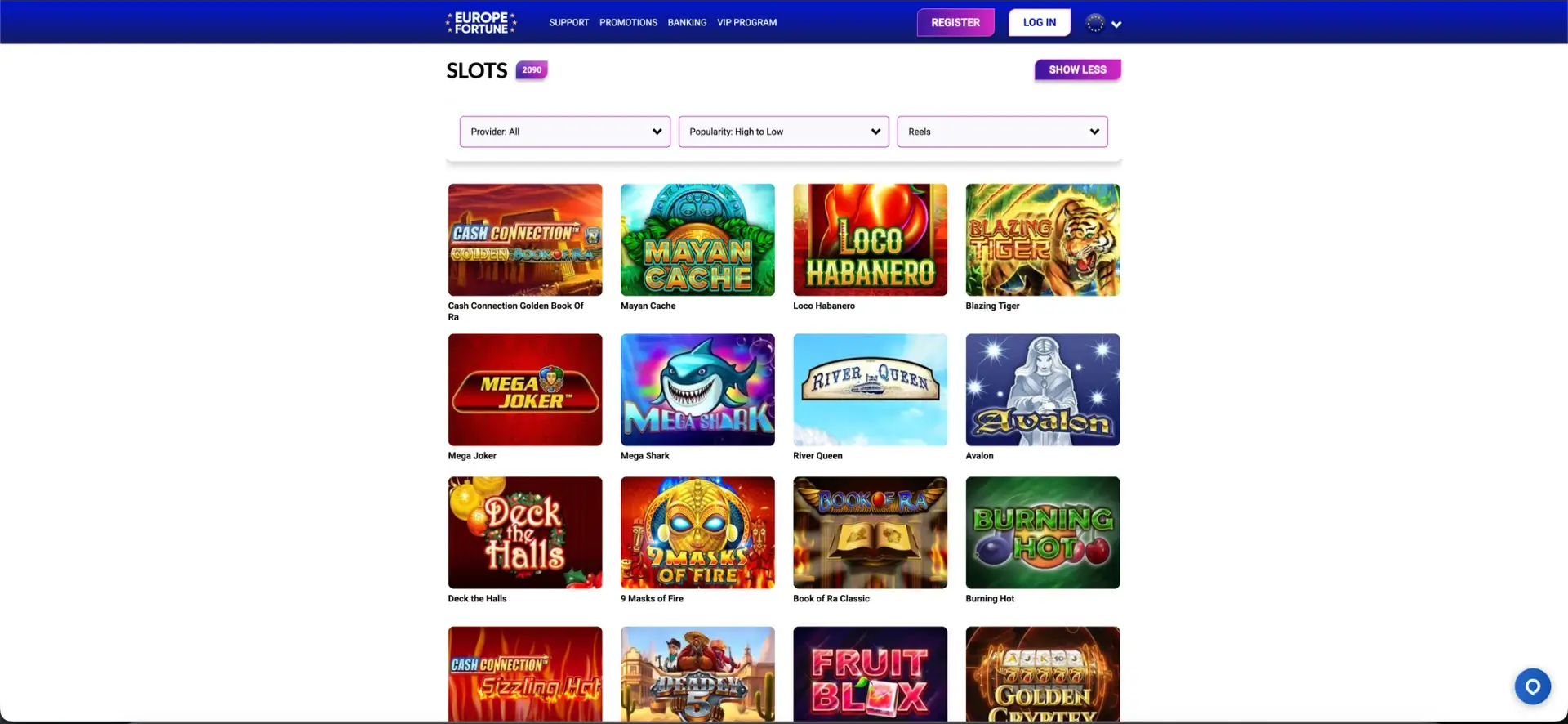
Is there an Europefortune app for Android or iOS?
There is no dedicated Europefortune app on the App Store or Google Play, and the site states plainly that play works on mobile with no application or download required. Rather than a separate program to install, the platform is built to run in the browser, so the mobile site carries the same lobby, cashier and account tools as the desktop version.
For most players this removes the usual downsides of a native app: there is nothing to download, no storage taken up on the phone, and no manual updates, since improvements go live on the site automatically.
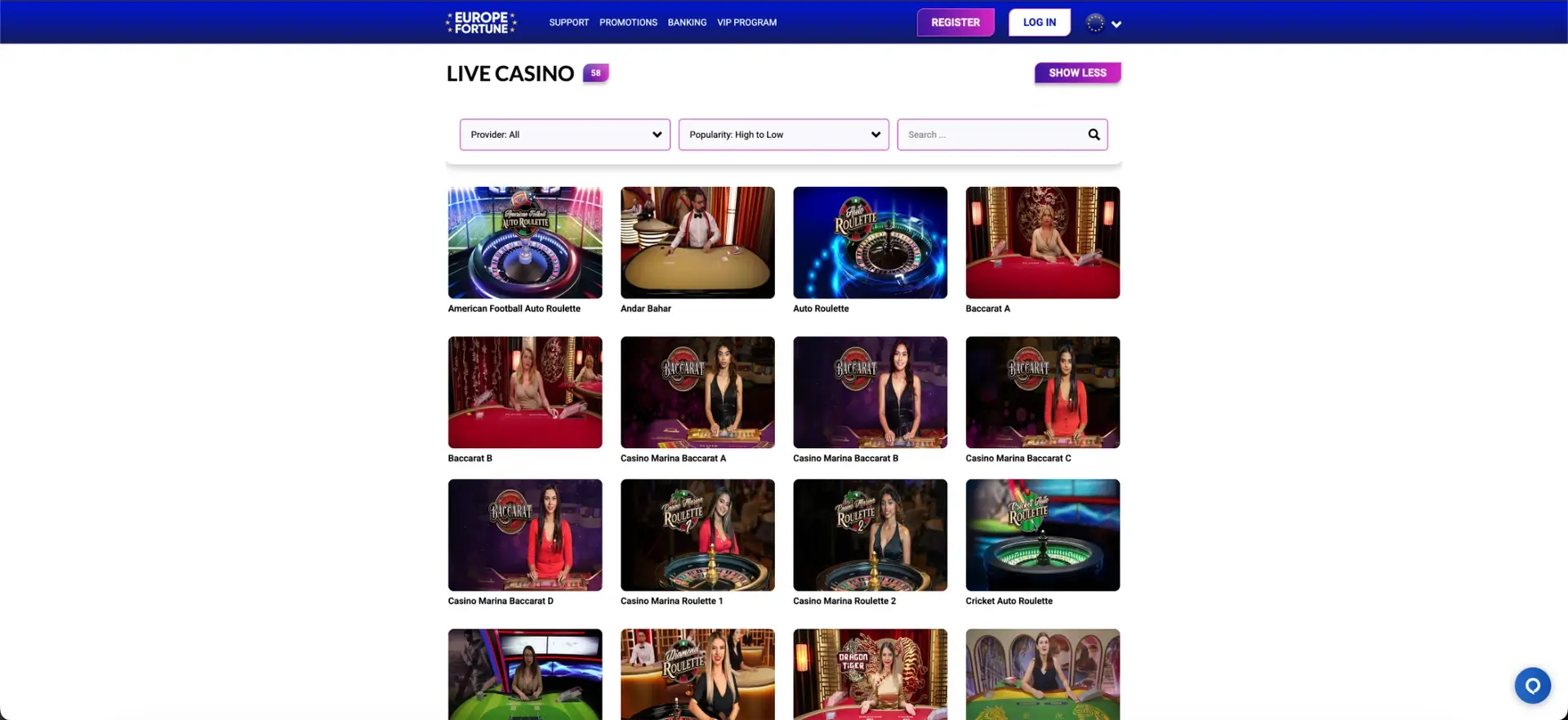
How to access Europefortune on mobile
Reaching the casino on a phone takes nothing more than a browser and the web address. The same account works across desktop and mobile without a second registration.
- Open europefortunes.org in Safari, Chrome or another modern mobile browser.
- Select Log In and sign in with your existing email and password.
- Browse the lobby, open the cashier or claim a promotion exactly as on desktop.
- New players can select Register to create an account first.
How to add Europefortune to your home screen
A home-screen shortcut gives the look and feel of an app icon while still running in the browser. The steps differ slightly between iOS and Android.
iOS (Safari)
On an iPhone or iPad, the shortcut is added from the Safari share menu:
- Open europefortunes.org in Safari.
- Tap the Share icon at the bottom of the screen.
- Scroll and tap Add to Home Screen.
- Confirm the name and tap Add - the icon then opens the site directly.
Android (Chrome)
On Android, the shortcut is added from the Chrome menu:
- Open europefortunes.org in Chrome.
- Tap the three-dot menu in the top-right corner.
- Select Add to Home screen.
- Confirm the name and tap Add to place the shortcut.
Features available on mobile
The mobile site is a full version of the platform rather than a cut-down one, so nothing important is left behind on desktop. Balances and bonuses are shared across devices, so a session started on a computer can continue on a phone.
- Full lobby: the complete catalogue of 2,000+ slots, live tables and instant-win games.
- GBP cashier: deposits and withdrawals through cards, e-wallets, vouchers and crypto.
- Bonuses: the welcome package, weekly Bonus Wheel, daily VIP rewards and cashback.
- Live casino: roulette, blackjack, baccarat and game-show tables streamed in the browser.
- Account tools: VIP status, verification and responsible-gambling limits.
Performance on mobile
Because the mobile site is browser-based, performance depends mainly on the device and connection rather than an installed app. The layout is designed for touch, with a collapsible menu, a search bar and a thumb-friendly cashier.
- The lobby and game tiles are optimised to load quickly on a standard mobile connection.
- Slots and live tables are built to run in portrait and landscape without a separate app.
- The cashier is laid out for one-handed input when depositing or requesting a payout.
Mobile payments and withdrawals in GBP
The mobile cashier is the same as on desktop, so UK players deposit and withdraw in pounds using the full set of methods. Prepaid vouchers remain deposit-only, so a payout is routed to another method.
| Method | Type | Deposit speed | Withdrawal speed |
|---|---|---|---|
| Visa / Mastercard | Bank card | Instant in most cases | 1–3 working days |
| Skrill / Neteller / MiFinity | E-wallet | Instant | Within 24 hours after approval |
| Paysafecard / Neosurf / CASHlib | Prepaid voucher | Instant | Deposit only |
| Bank transfer | Online banking | Within a few hours | 2–5 working days |
| Bitcoin / Tether | Cryptocurrency | Near-instant after confirmation | Usually within a business day |
Security on the mobile version
The mobile site uses the same SSL encryption as desktop, and cashier access stays limited to verified accounts. Because there is no separate app, there is also no third-party install to keep patched - security updates apply automatically when the site loads.
- SSL-encrypted connection for all logins and transactions.
- Cashier restricted to verified account holders.
- Responsible-gambling limits and self-exclusion available in the account area.
Account verification (KYC) on mobile
Verification works the same way on a phone as on desktop and is requested before the first withdrawal. Documents can be photographed and uploaded directly from the mobile browser, which keeps the process quick for players who are already on their phone.
- Proof of identity: passport, national ID or driving licence.
- Proof of address: a recent utility bill or bank statement.
- Payment ownership: confirmation of the deposit method, where requested.
Usage tips for UK players
A few small habits make the mobile site smoother to use day to day. They apply to any browser and do not require an app.
- Add the home-screen shortcut for faster access than typing the address.
- Keep the browser updated so live tables stream reliably.
- Use the same payment method on mobile that you use on desktop to speed up checks.
- Set deposit and session limits in the account area to keep spend in check on the go.
Europefortune app FAQ
The most common questions about the Europefortune app and mobile access are answered below.
Is there an Europefortune app to download?
No. There is no native app on the App Store or Google Play. The site runs in the mobile browser with no download required, and a home-screen shortcut gives the same one-tap access as an app icon.
How do I get Europefortune on my phone?
Open europefortunes.org in Safari or Chrome and log in with your existing account. To make it feel like an app, add the page to your home screen from the browser's share or menu options.
Can I deposit and withdraw on mobile?
Yes. The mobile cashier is identical to desktop, with GBP deposits and withdrawals through cards, e-wallets, bank transfer and crypto. Prepaid vouchers are deposit-only, so payouts route to another method.
Are all games available on the mobile site?
Yes. The full lobby of 2,000+ slots, live tables and instant-win games is available on mobile, identical to the desktop version, with the same providers.
Is the mobile version secure?
The mobile site uses the same SSL encryption as desktop and limits cashier access to verified accounts. With no separate app to install, security updates apply automatically each time the site loads.
Do I need to verify my account on mobile?
Verification is requested before the first withdrawal and can be completed on a phone by uploading proof of identity and address directly from the browser.